
WEB PAGE TRANSLATION
Read any web page side by side with its translation, paragraph by paragraph
Blab Translation is a free Chrome extension that puts the translation right under each paragraph, so you read the original and your language together. If you are looking for an Immersive Translate alternative that keeps a page's links, formatting and formulas as they are, this is what it does.
What it does
Translation under every paragraph
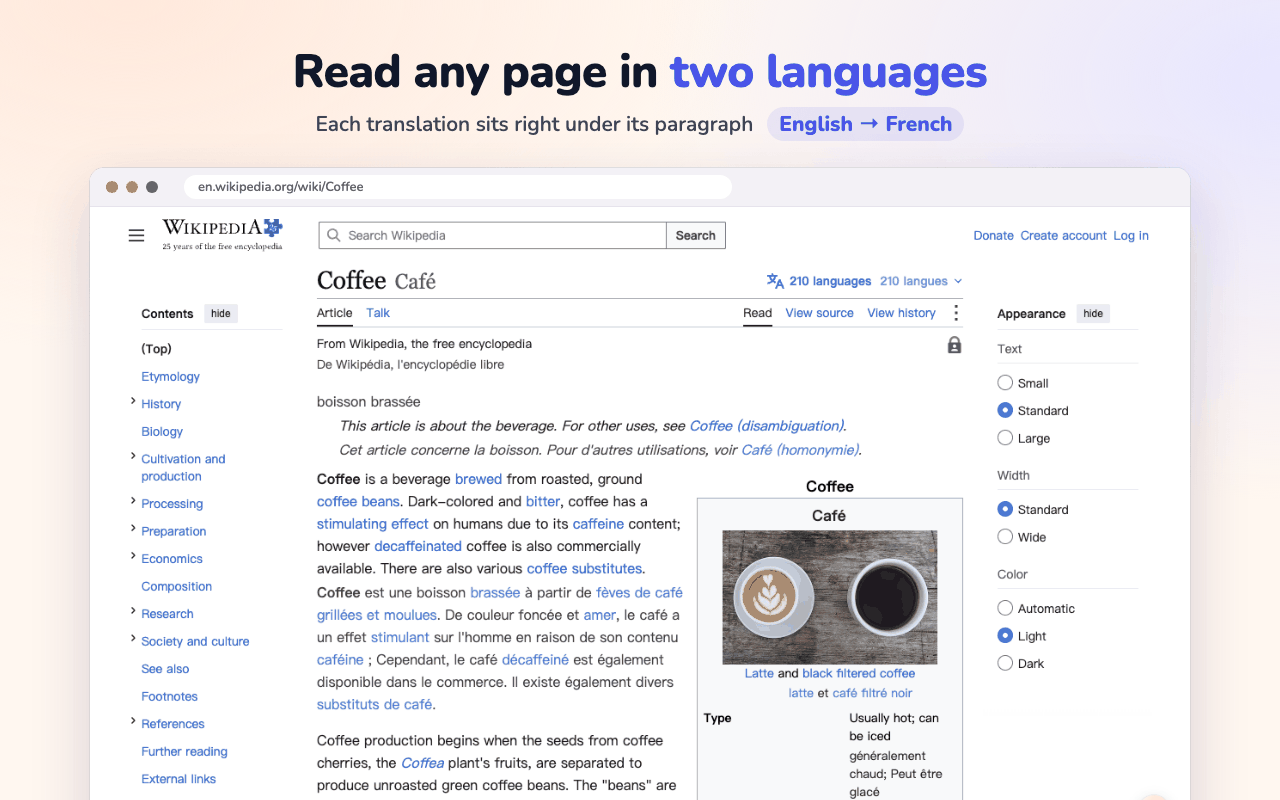
Each paragraph keeps its original and gets the translation directly beneath it. The main content is translated first, so menus and sidebars stay out of the way; press Alt+W when you want the whole page. It also reaches inside iframes and Shadow DOM, and handles right-to-left languages.
Links and formatting stay intact
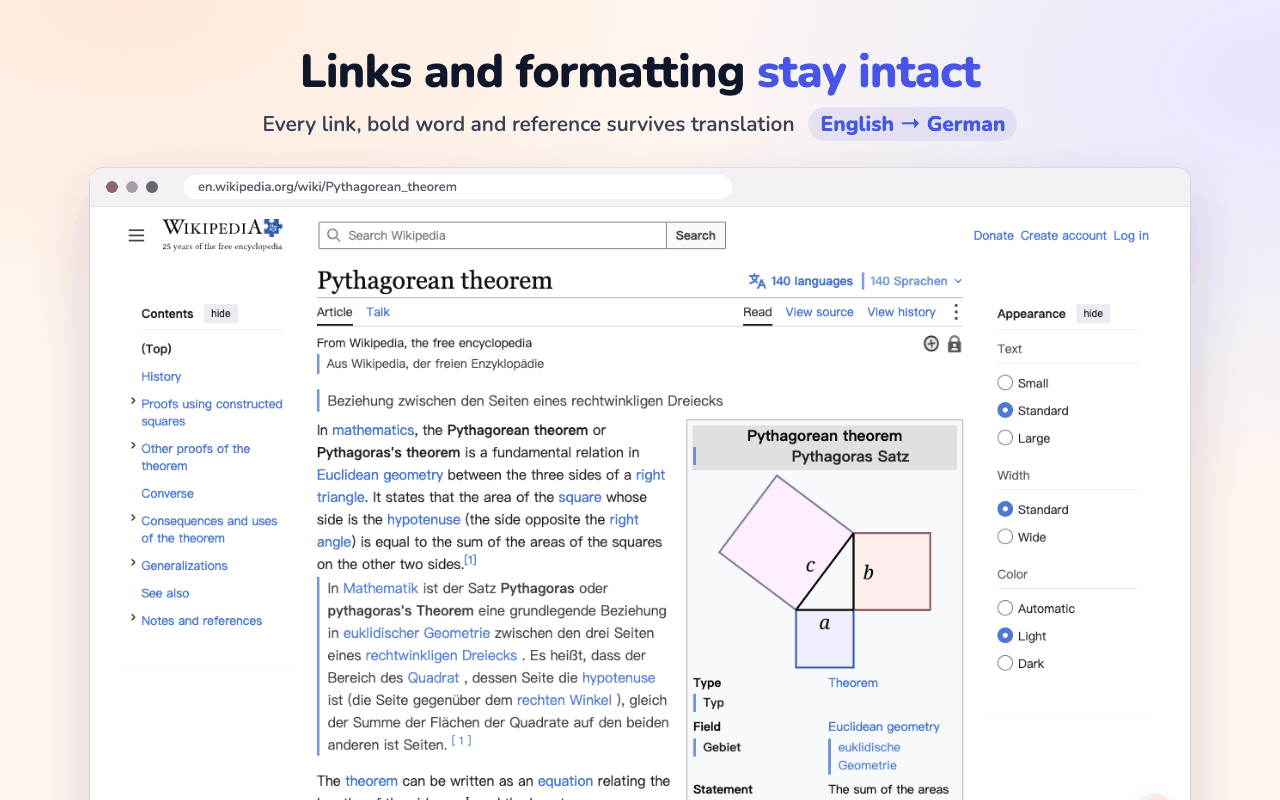
Links, bold words and references survive the translation, and images are left alone. Math, LaTeX and code are kept as they are, so papers and documentation stay readable. Choose from several translation styles to set the translation apart.
Translation only, with one key
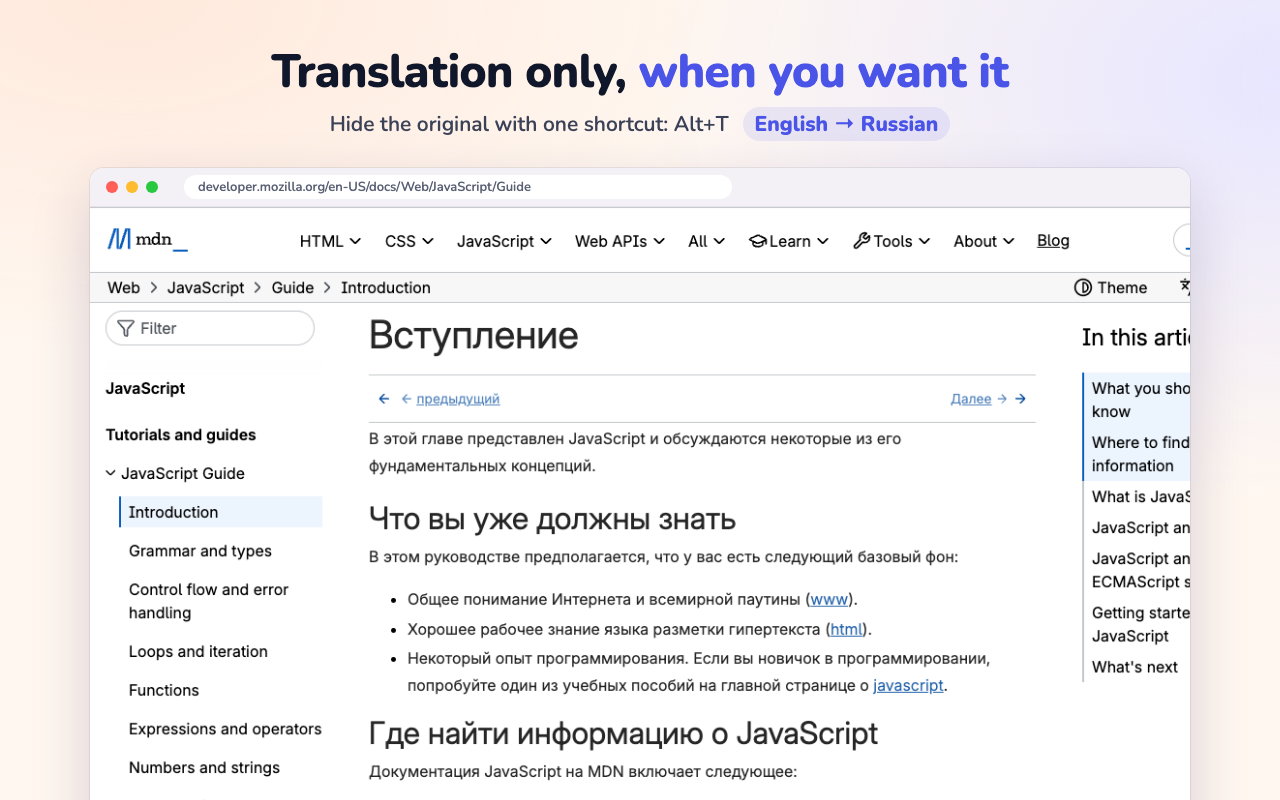
When you only want your language, press Alt+T to hide the original; press it again to bring it back. Alt+A translates the page or restores it.
Auto-translate that knows when to stop
Auto-translate skips sentences already in your language, even ones packed with foreign terms, and never opens direct messages on X on its own. Site rules let you mark an area not to translate, keep original or translate only, and they sync with your browser account. Select text or hover a paragraph to translate just that, look words up in the built-in dictionary, or translate what you type.
How to use it
- 01
Install the extension
Add Blab Translation from the Chrome Web Store and pin it to the toolbar so the popup is a click away.
- 02
Choose an engine
Out of the box it uses Chrome's free on-device translator. In Settings you can switch to Blab Translation, which comes with a subscription, or to an AI model of your own: a cloud provider with your key, or the address of a local model.
- 03
Translate the page
Open the popup and translate the page, or press Alt+A. Use Alt+T to switch between bilingual and translation only.
Limits and billing
The extension is free. With Chrome's on-device translator, pages are translated on your computer and the text never leaves it. With your own AI engine, the text goes straight to the endpoint you configured, with your own key, and never passes through our servers. The extension collects no analytics and does no ad tracking.
Blab Translation, the engine included with a subscription, is different: the text is sent to our servers to be translated, and we do not keep the original. Comic images you translate on a page are uploaded to us too. A PDF or comic you send to the web app with Alt+M is processed on our servers and deleted after 7 days, and the first 300 PDF pages each month are free once you sign in.
Questions
Is the extension free?
Yes. Translating web pages costs nothing with Chrome's on-device translator. If you connect an AI provider, you pay that provider directly under your own key. Blab Translation, the engine on our servers, comes with a subscription.
Does my text go through your servers?
Only if you choose an engine that runs there. On-device translation keeps it on your computer, and your own AI engine is called directly at the endpoint you set. Blab Translation translates the text on our servers and does not keep the original; comic images you translate on a page and files you send to the web app reach us too.
Which AI models can I use?
With your own key: any OpenAI-compatible endpoint, Anthropic Claude, Gemini, DeepSeek or OpenRouter. A local model in Ollama or LM Studio, or a custom endpoint, works too. Blab Translation needs no key and comes with a subscription. Until you pick one, the extension uses Chrome's on-device translator.
Will it break formulas or code on the page?
No. Math, LaTeX and code blocks are kept out of translation, so equations and snippets come through unchanged.